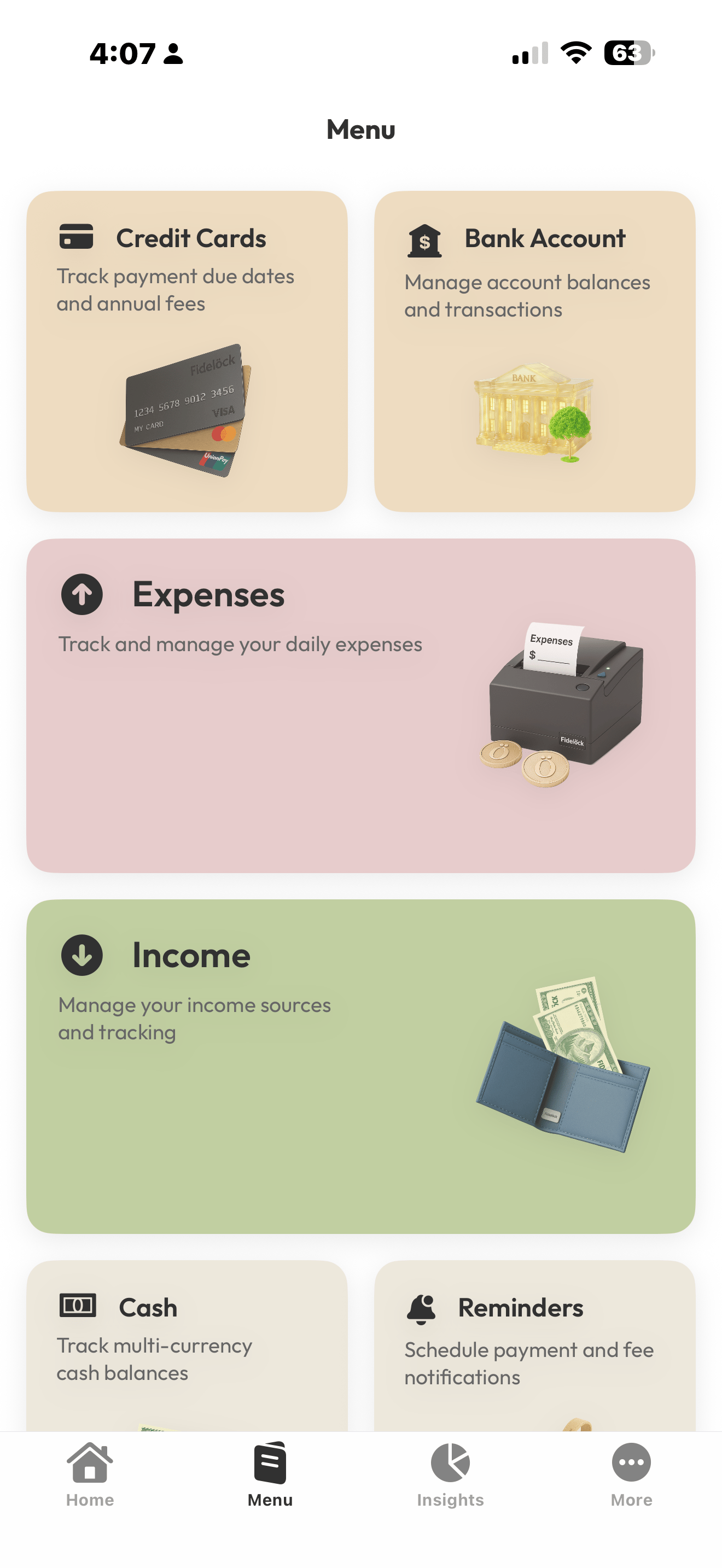
Figena for iPhone. Work stays in hand.
Coming soon to iPhone. Capture expenses, review records, check reminders, and move essential finance and operations work forward from your phone.
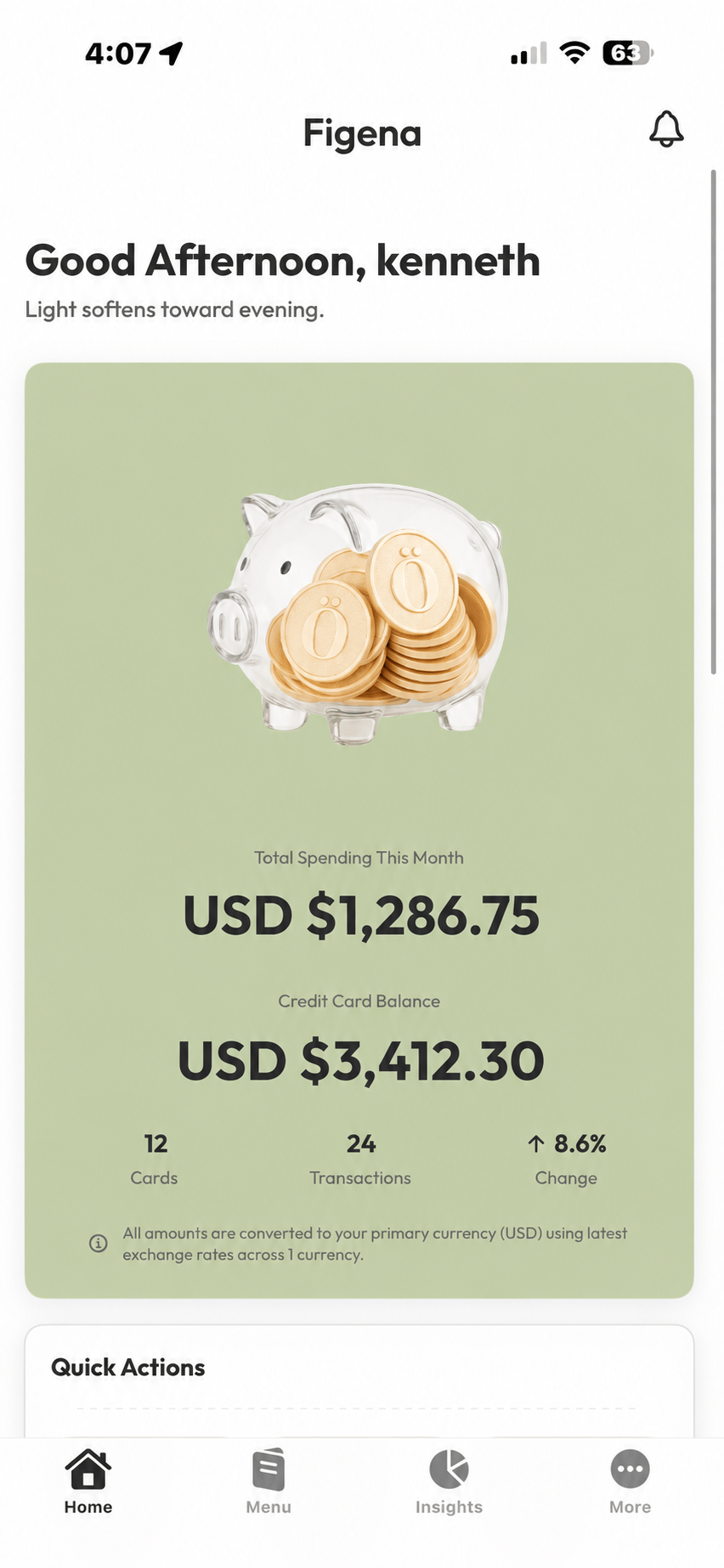
Away from the desk. Still in the flow.
Use the focused mobile workflows that matter when work is happening somewhere else.

Capture on the go
Log updates in seconds, right when they happen.

Quick review
Use spare moments to confirm details so reporting stays smooth.

Keep work moving
Stay responsive with access to key records, messages, and next steps.

Consistent by default
Structured fields and categories keep everything readable and reliable.
Figena for iPhone is coming soon.
Downloads are not available yet. Download links and supported-device details will be available here at launch.
On iPhone, the essential work keeps moving.
Use core finance, operations, client, vendor, automation, and insight workflows in a form designed for iPhone.
Finance
- Expense tracking
- Transactions
- Recurring rules
- Mileage tracking
- Insights & analytics
Want the full picture? Explore each category to see more.
A small screen that keeps the important things clear.
Move quickly through capture, setup, search, and review without losing the record behind the task.
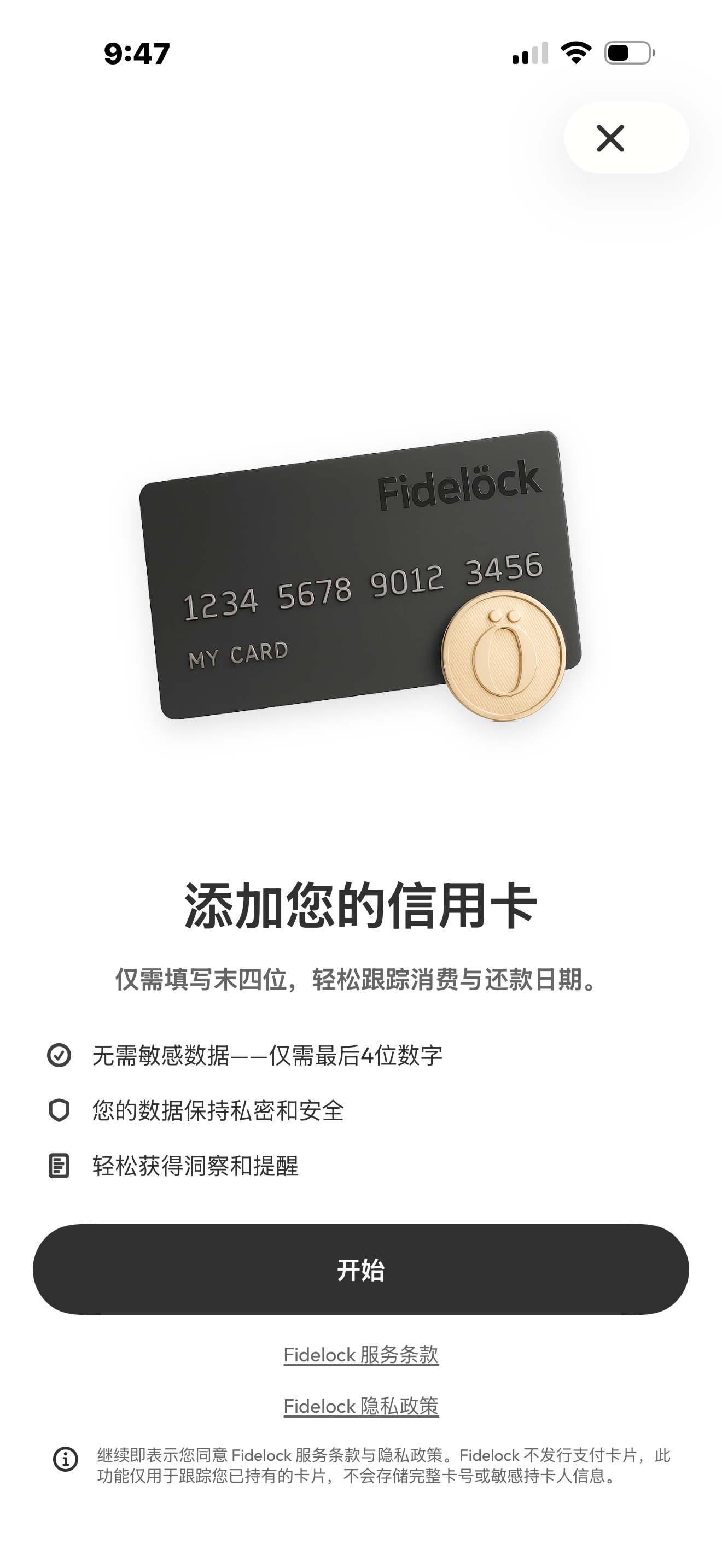
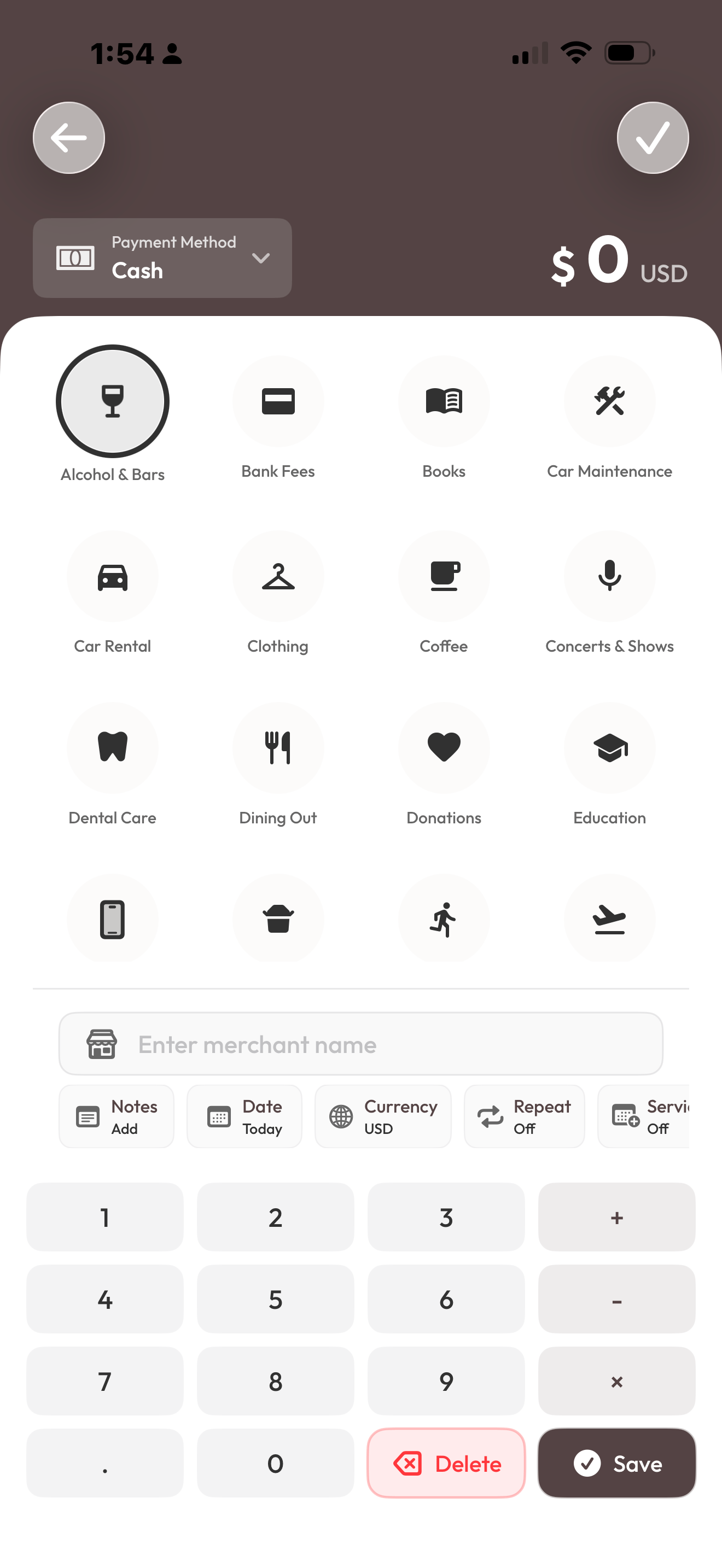
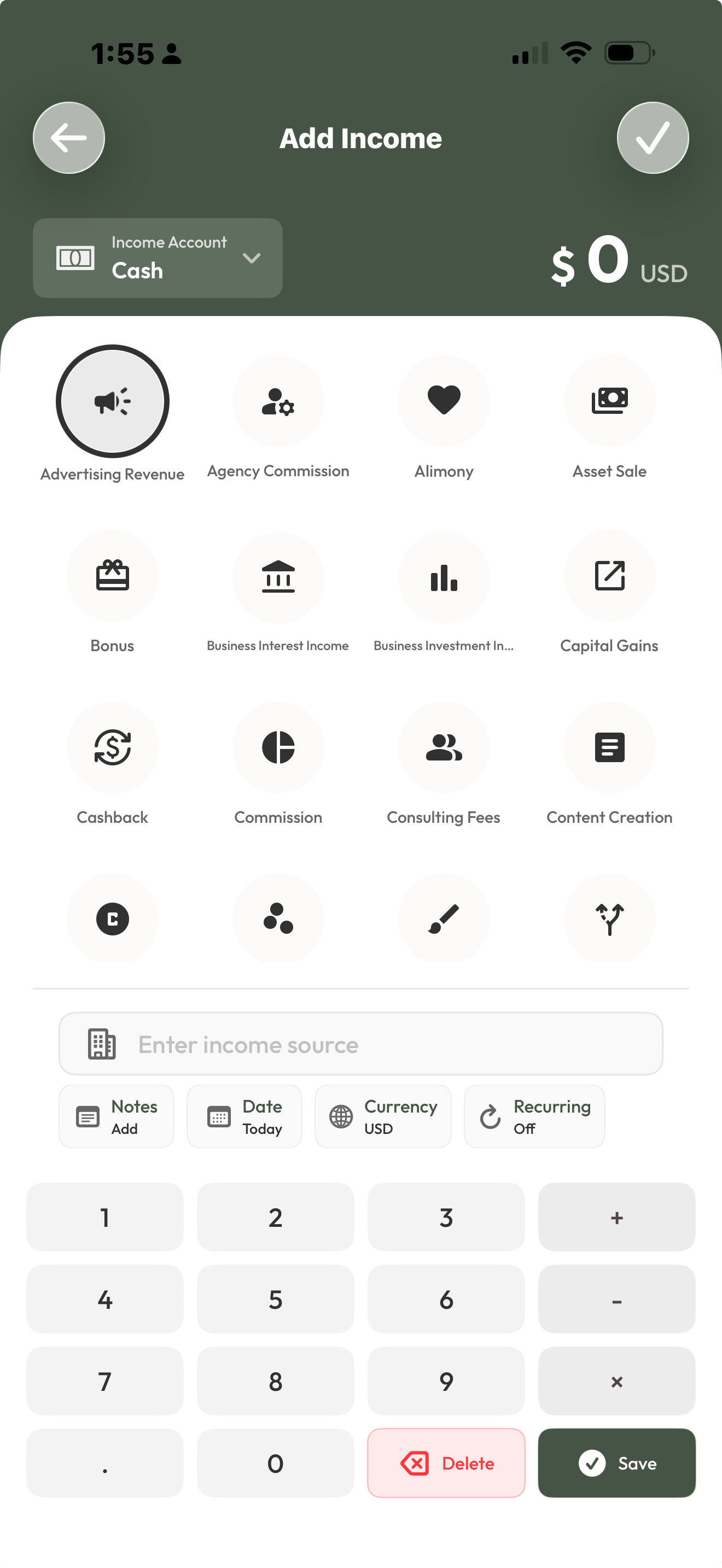
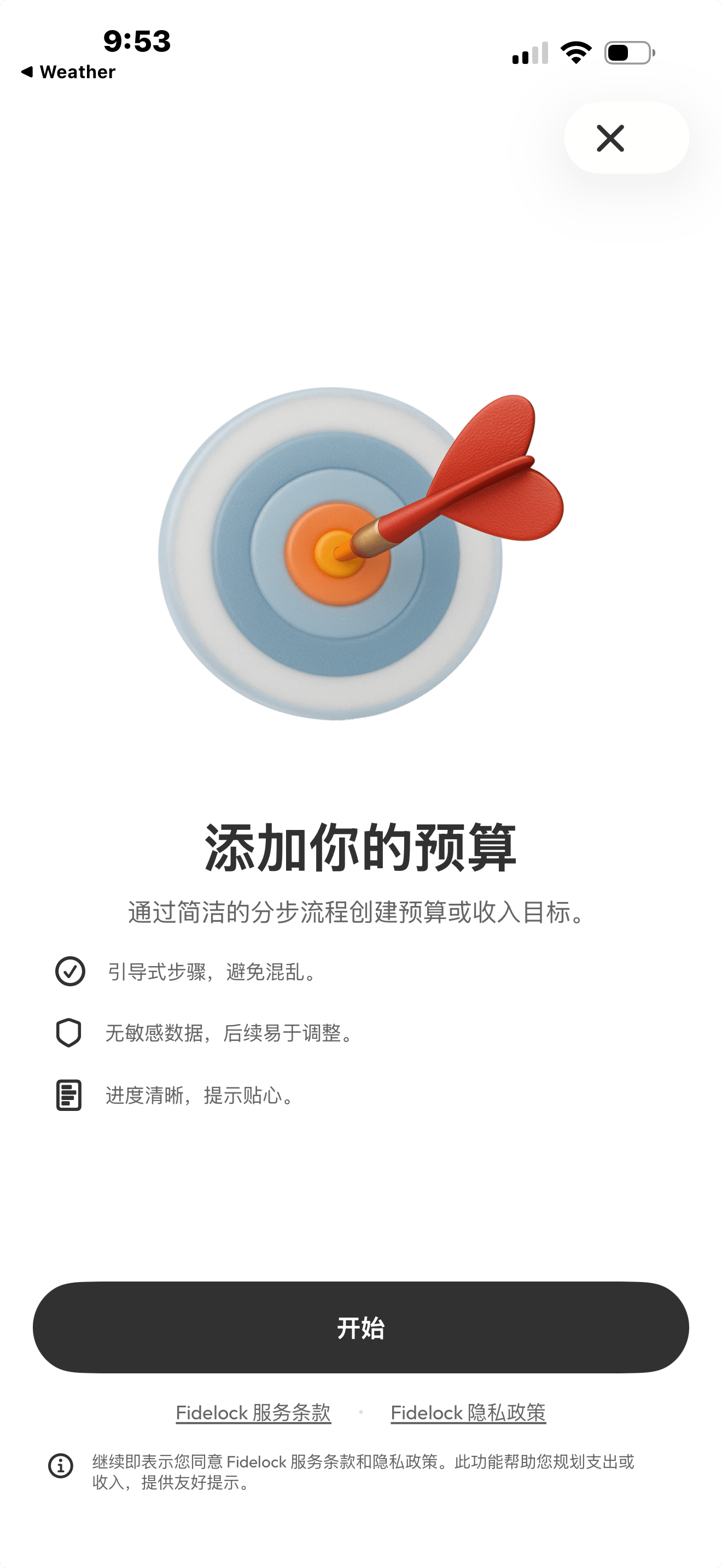
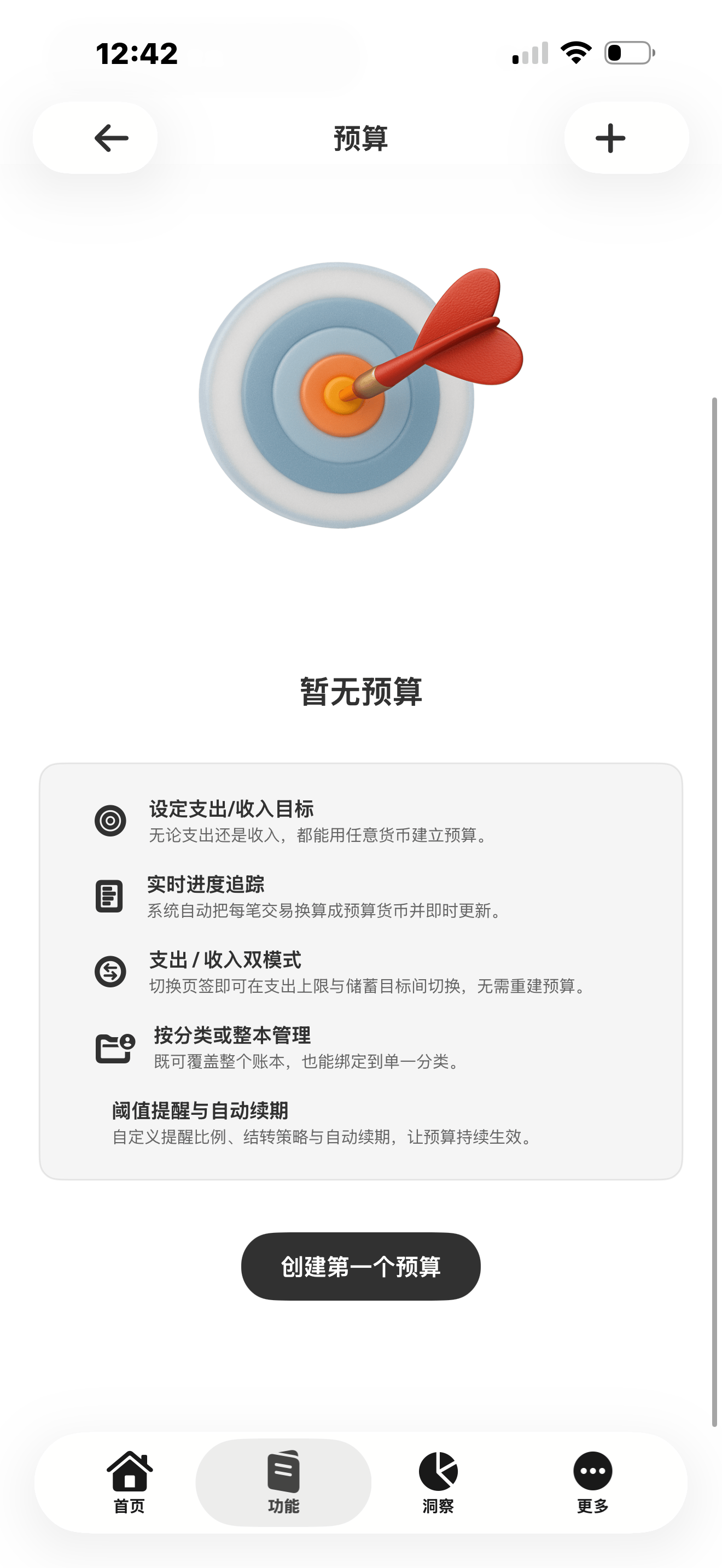
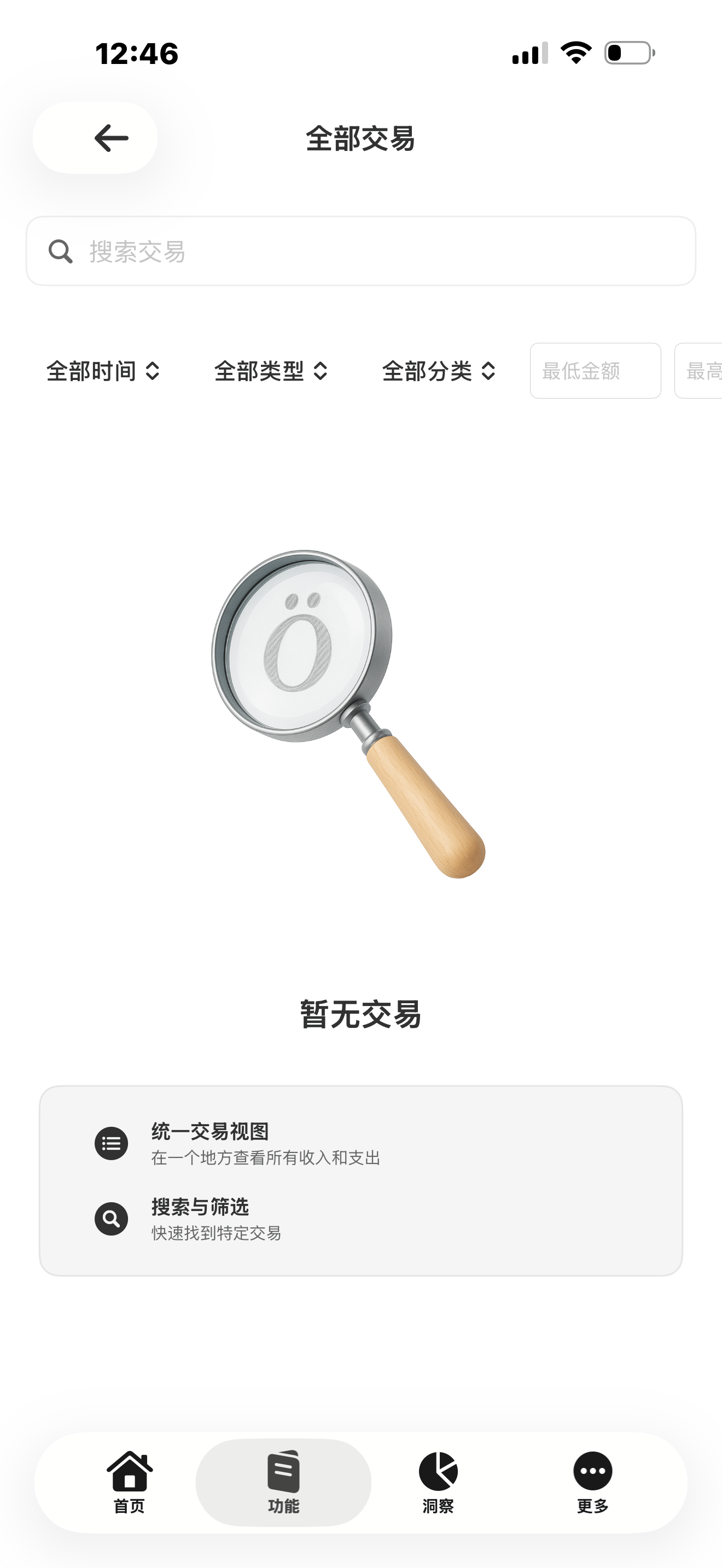
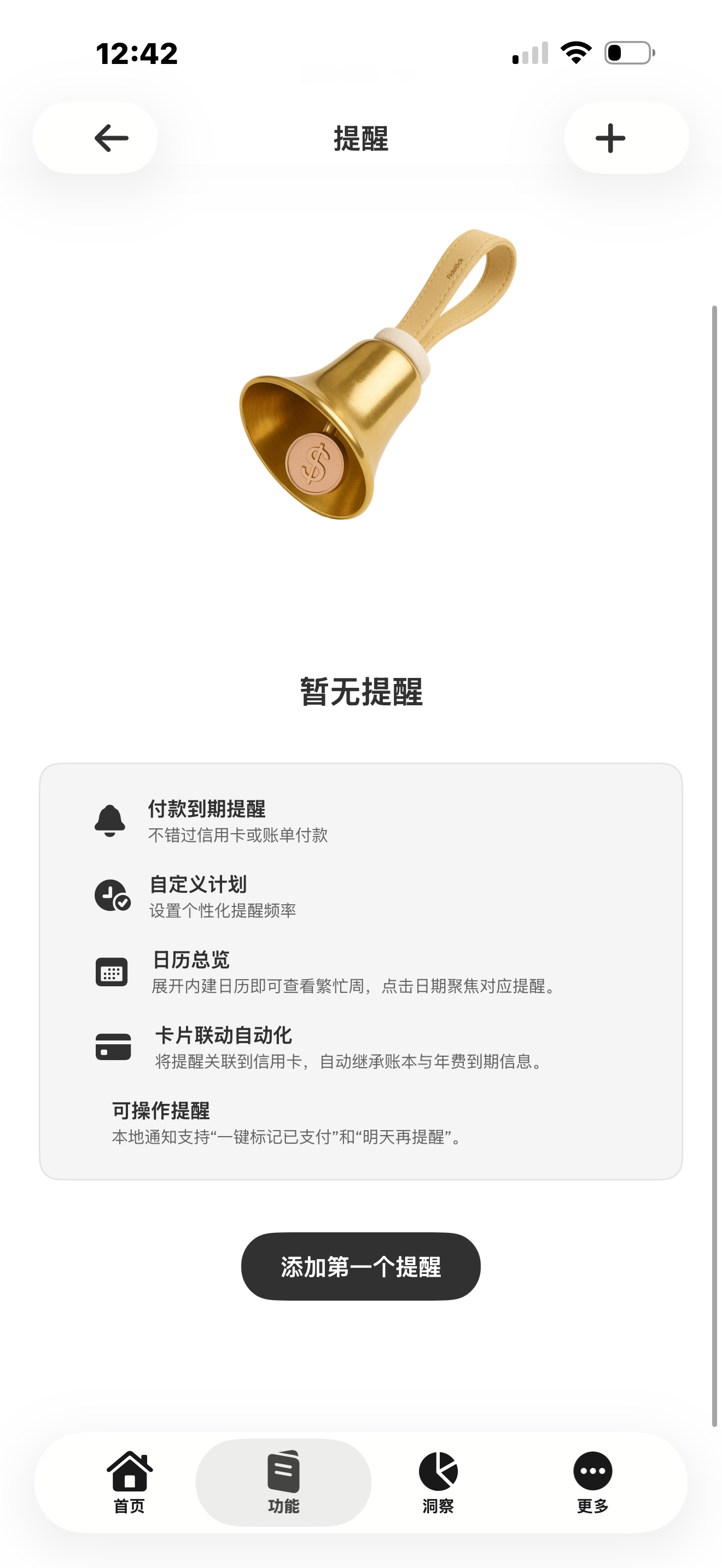
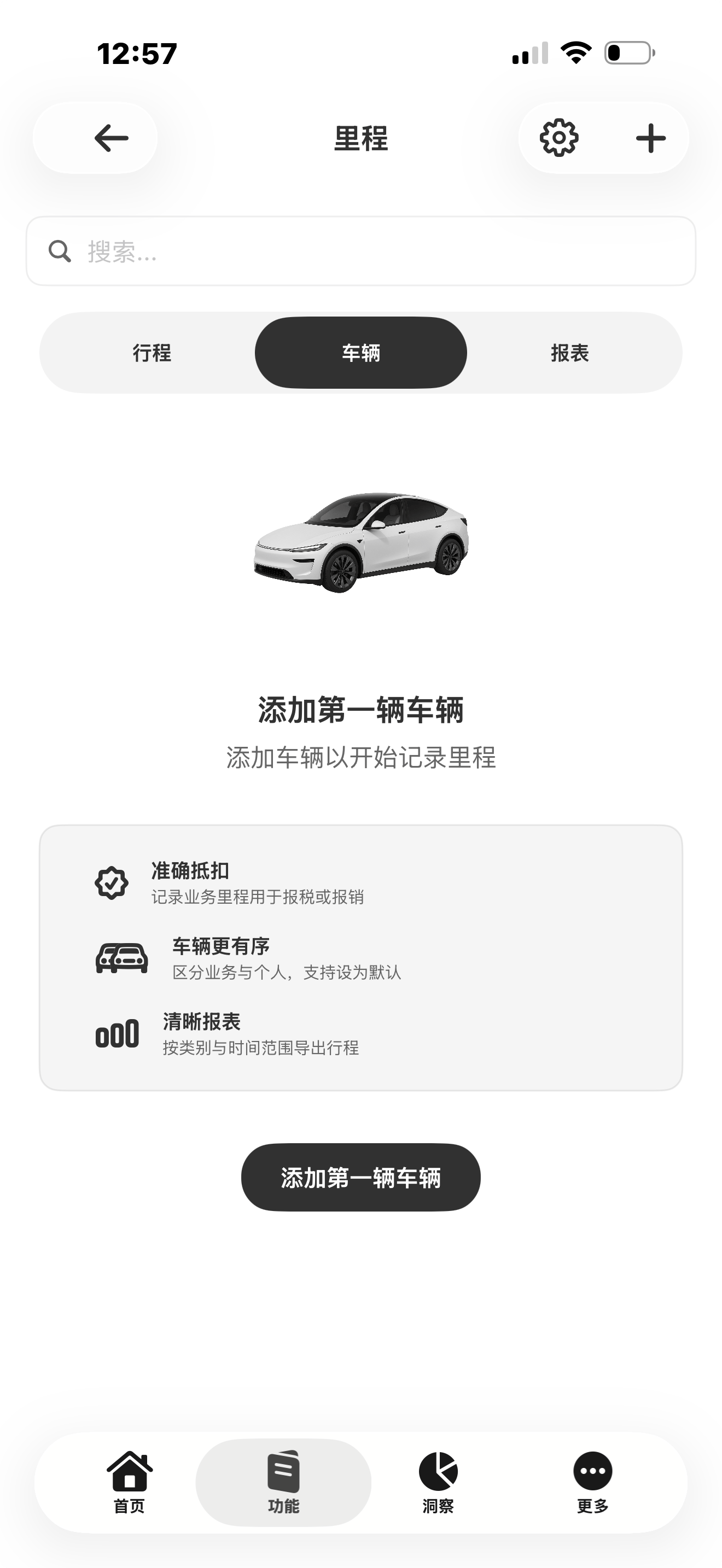
Core workflows
Jump into cards, accounts, expenses, income, cash, and reminders.
Once it launches, get started in three steps.
After release, download Figena, sign in, and start your first workflow on iPhone.
1
Download
Once released, install Figena from the App Store.
2
Sign in
Use your existing account or create a new one.
3
Start your first workflow
Capture an update, review records, and keep moving.
FAQ
When will the iPhone app be available?
Figena for iPhone is coming soon and is not yet available to download. Download links, supported devices, and system requirements will be shared at launch.
What editions does Figena offer?
Figena offers Professional and Enterprise for teams and organizations managing finance and operations. Choose the edition that fits your business size, collaboration needs, and management requirements.
Will I need a Figena account?
Yes. When the iPhone app launches, sign in with your Figena account to access business data according to your workspace permissions.
Where can I learn more or get help?
Visit the pricing page to compare Professional and Enterprise. For product guides, account questions, or further assistance, visit the support center or contact our team.