Figena para iPhone
Próximamente en iPhone. Registra gastos, revisa datos y recordatorios, y avanza con las tareas esenciales de finanzas y operaciones desde tu teléfono.
Por qué Figena en iPhone
Una experiencia móvil enfocada para los momentos en que estás lejos de tu escritorio.

Captura sobre la marcha
Registre las actualizaciones en segundos, justo cuando ocurren.

Revisión rápida
Utilice momentos libres para confirmar los detalles para que los informes se realicen sin problemas.

Mantenga el trabajo en movimiento
Manténgase receptivo con acceso a registros clave, mensajes y próximos pasos.

Consistente por defecto
Los campos y categorías estructurados mantienen todo legible y confiable.
Figena para iPhone llegará próximamente.
La descarga aún no está disponible. Los enlaces de descarga y los dispositivos compatibles se publicarán aquí con el lanzamiento.
Qué puedes hacer en iPhone
Un amplio conjunto de flujos de trabajo principales, optimizados para iOS.
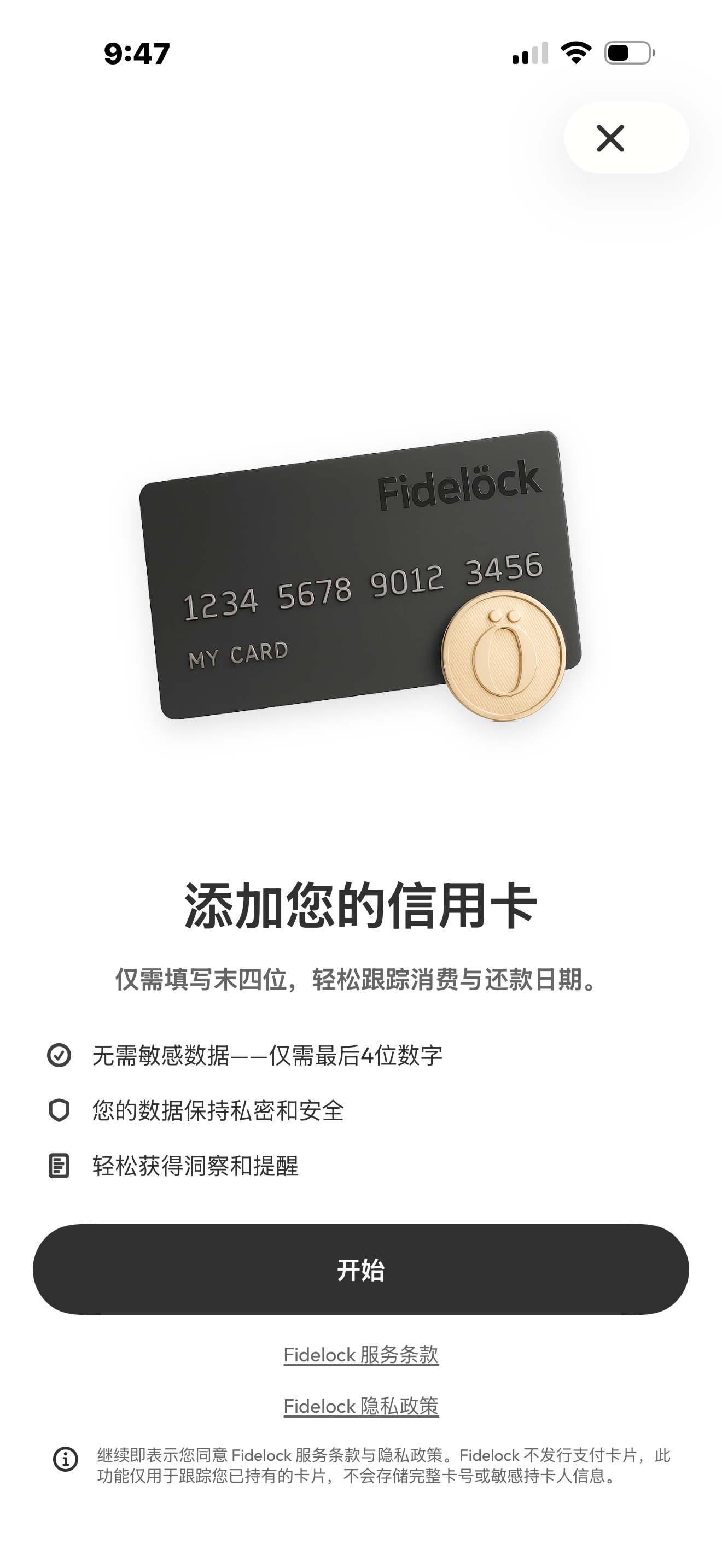
Finanzas
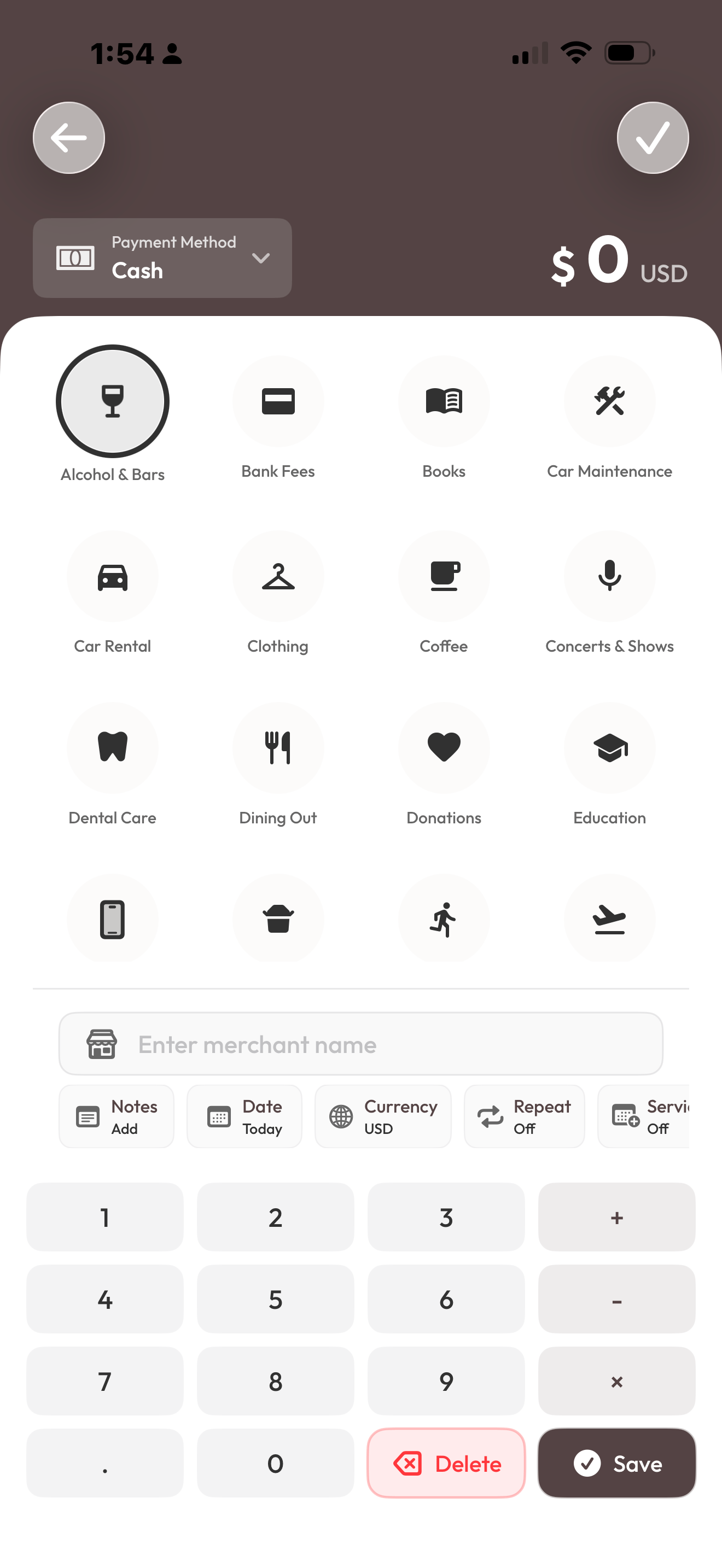
- Seguimiento de gastos
- Transacciones
- Reglas recurrentes
- Seguimiento de kilometraje
- Información y análisis
Personas y relaciones
- Clientes
- Vendedores
- Contratación
- Gestión de activos
Automatización y conocimientos
- Cilila IA
- Integraciones
- Recordatorios
- Soporte multidivisa
¿Quieres la imagen completa? Explora cada categoría para ver más.
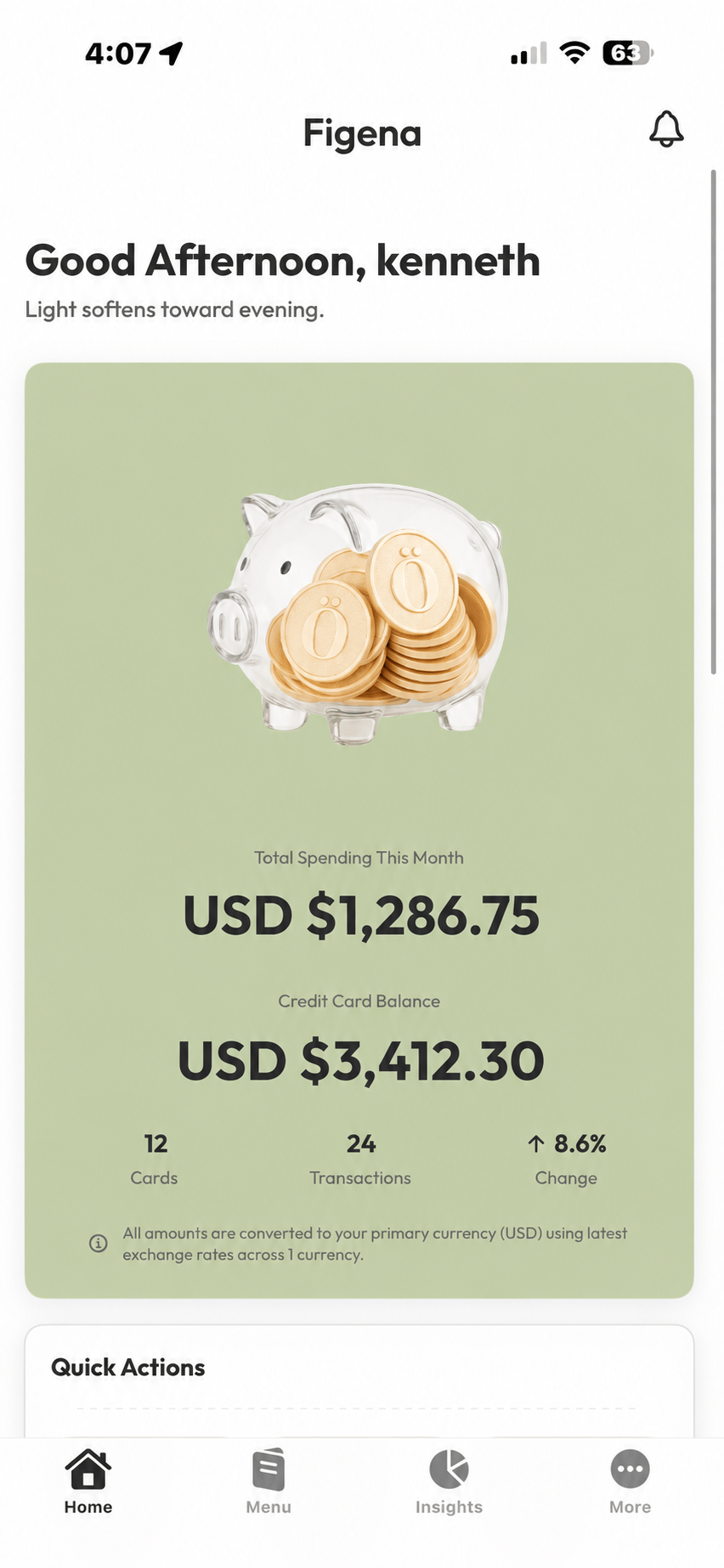
Una vista previa rápida
Diseñado para brindar claridad en una pantalla pequeña, rápido de usar y fácil de revisar.
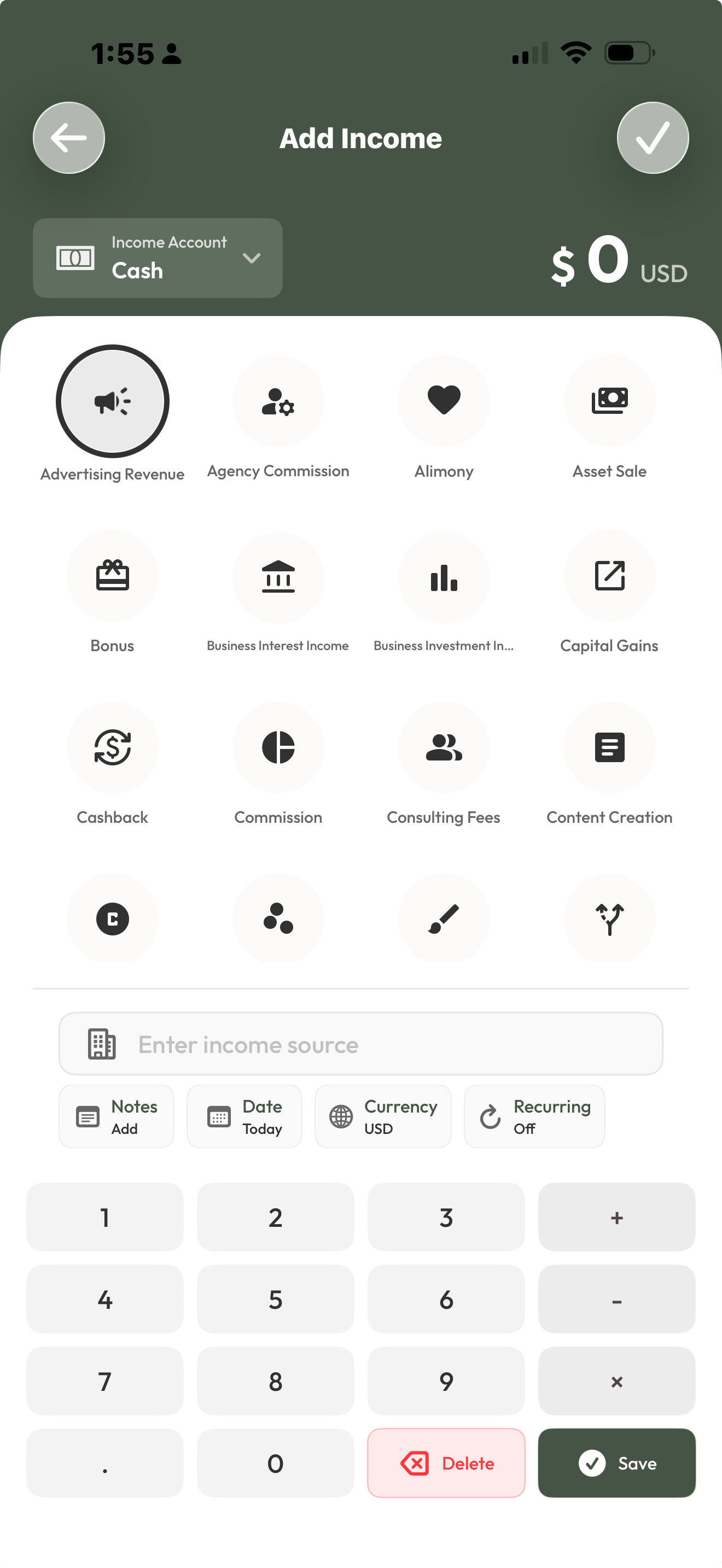
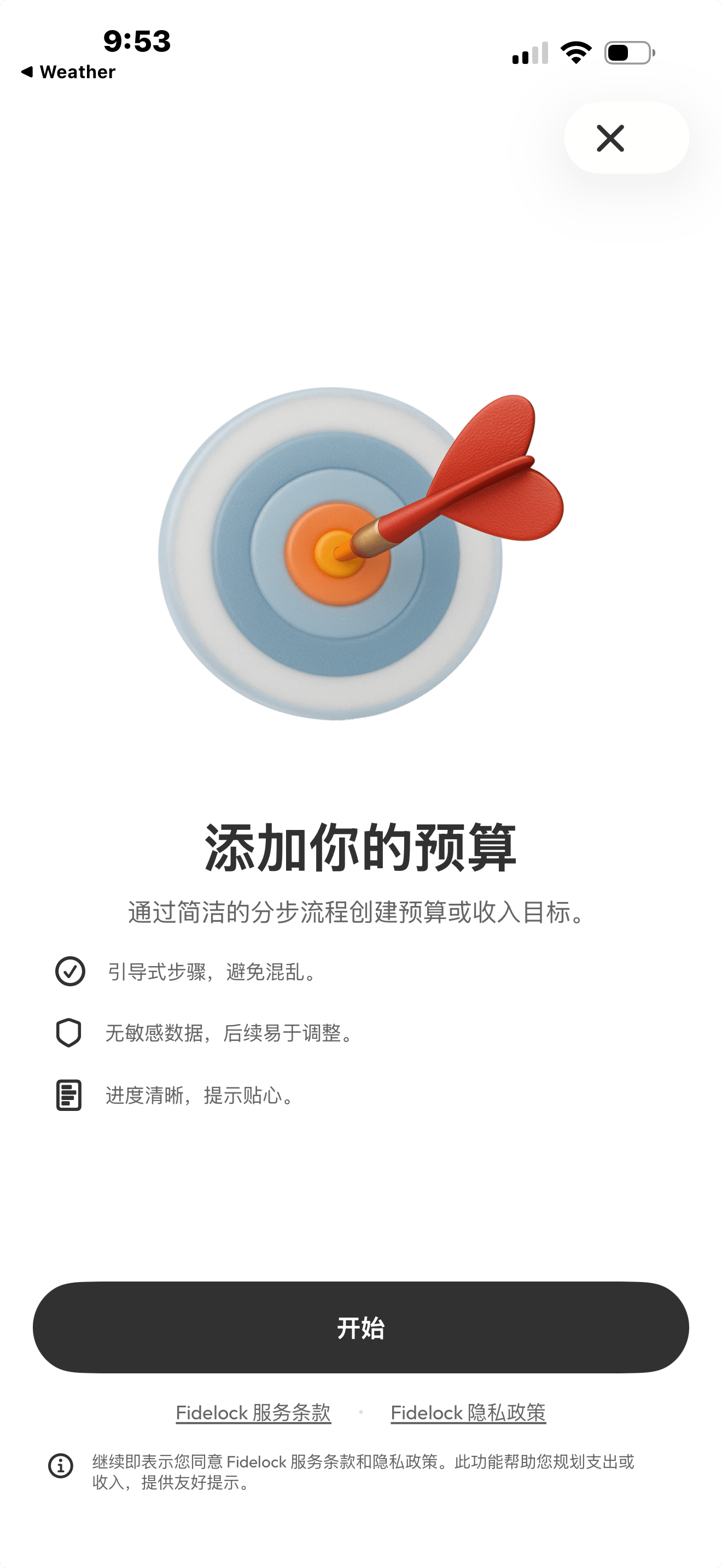
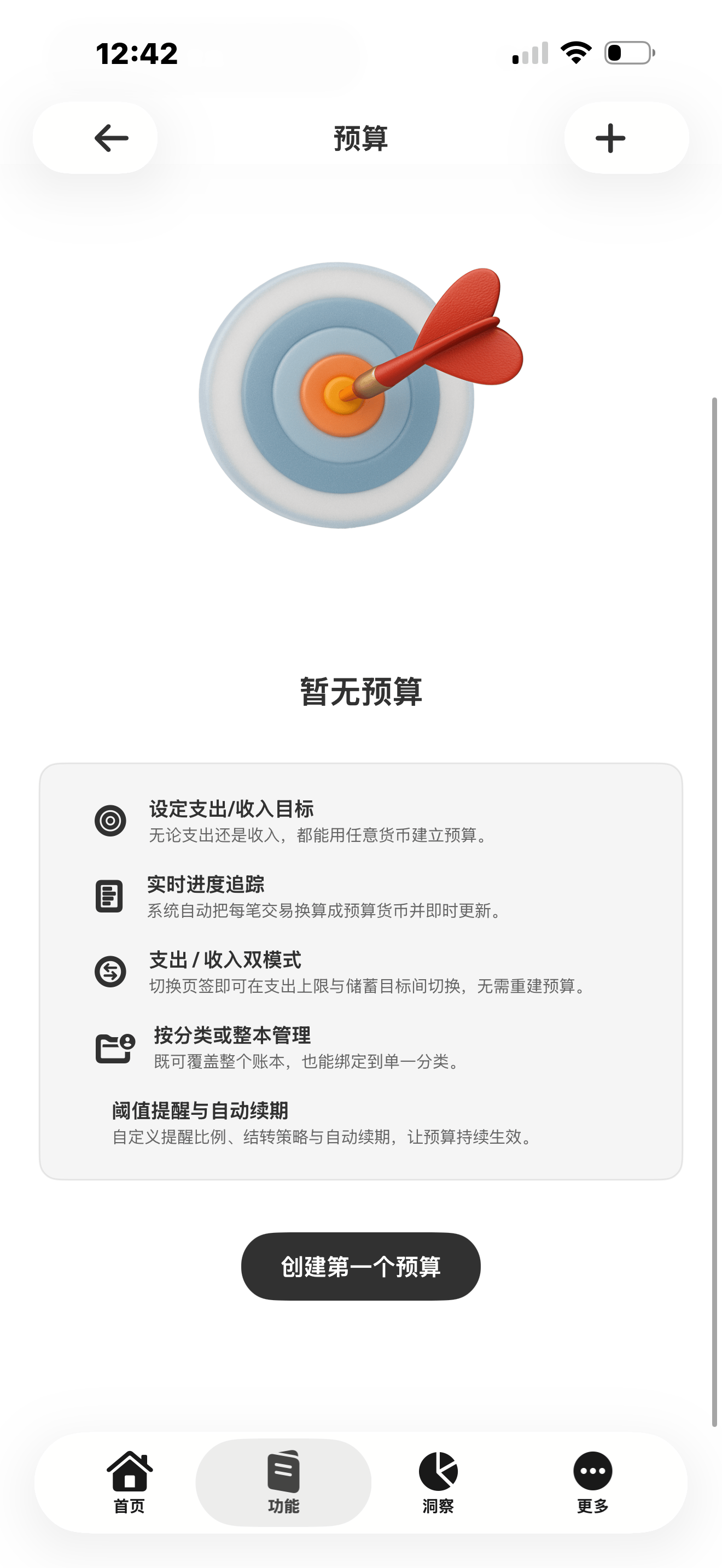
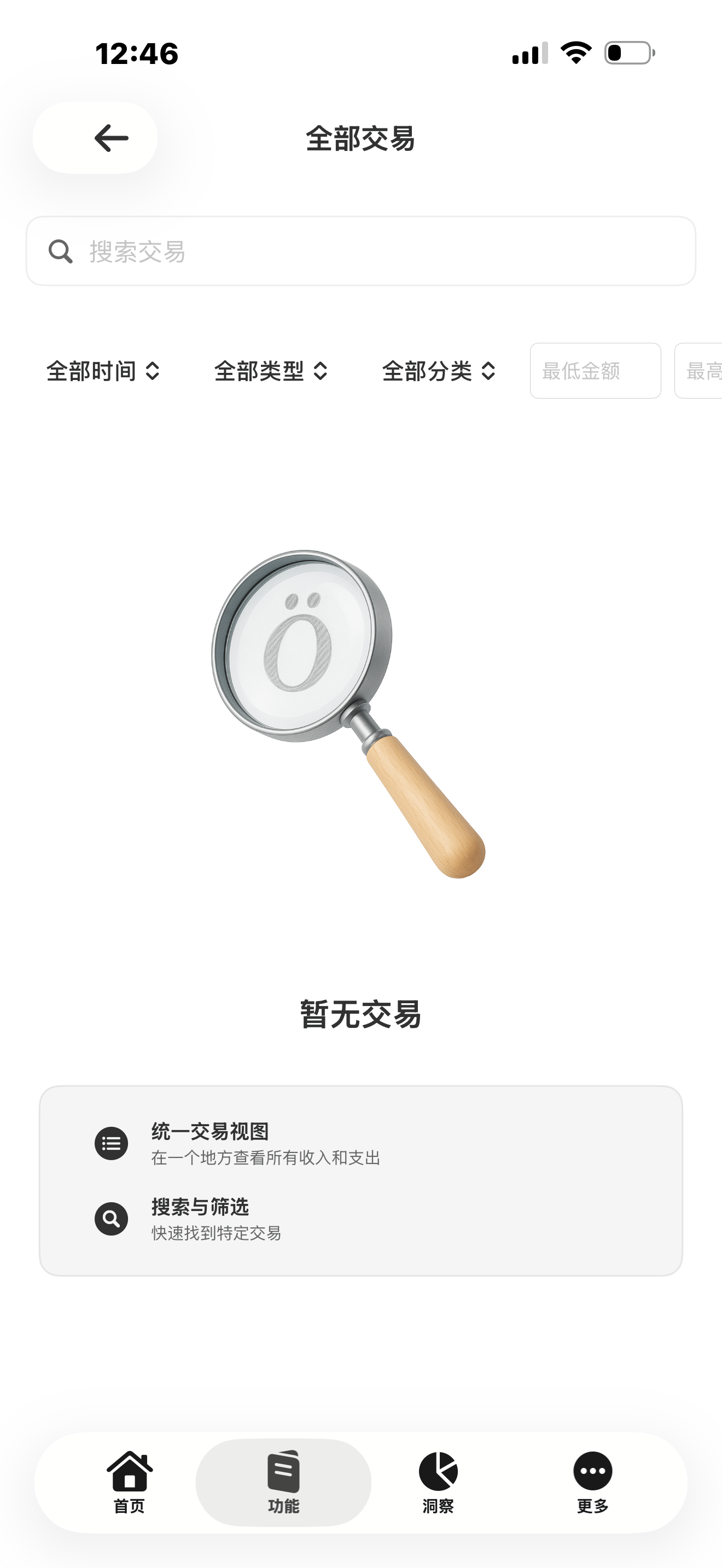
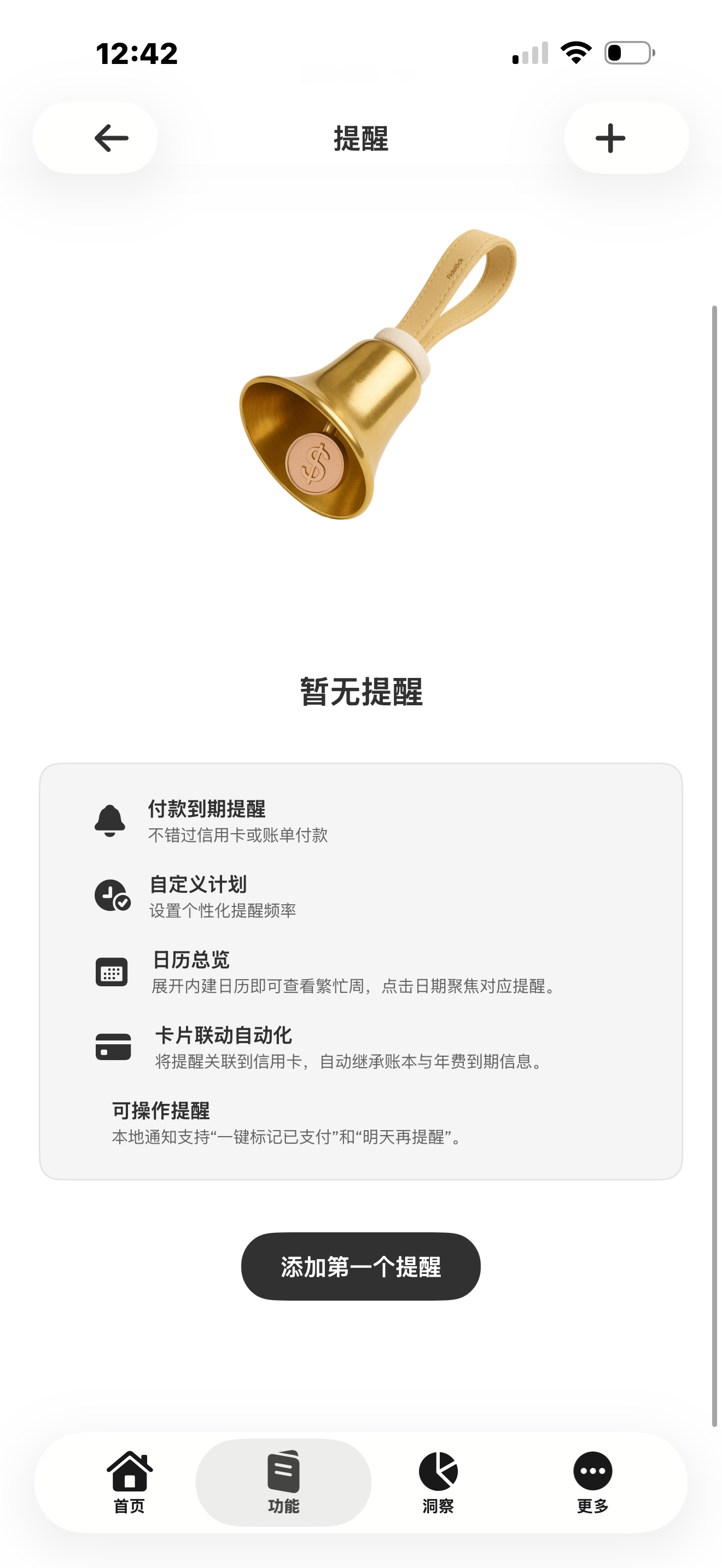
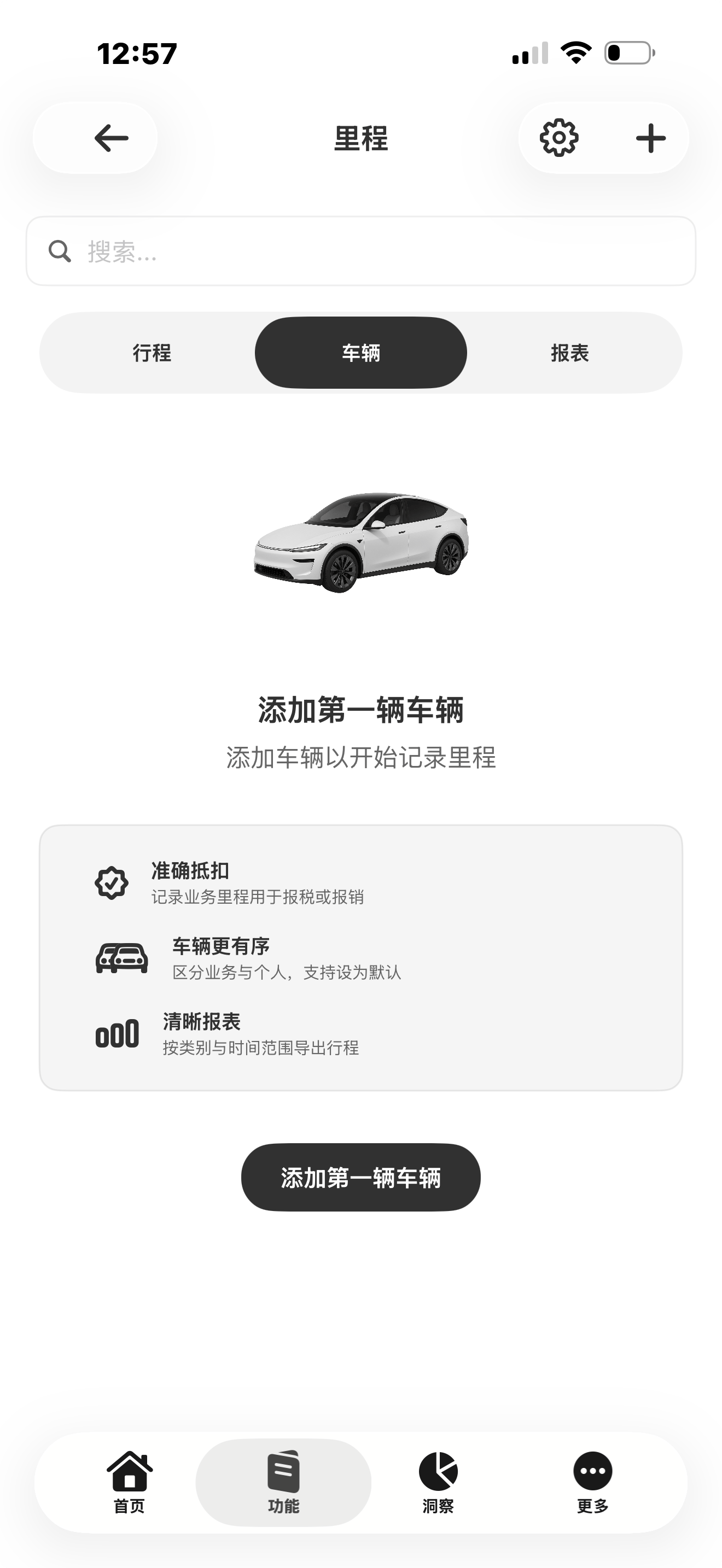
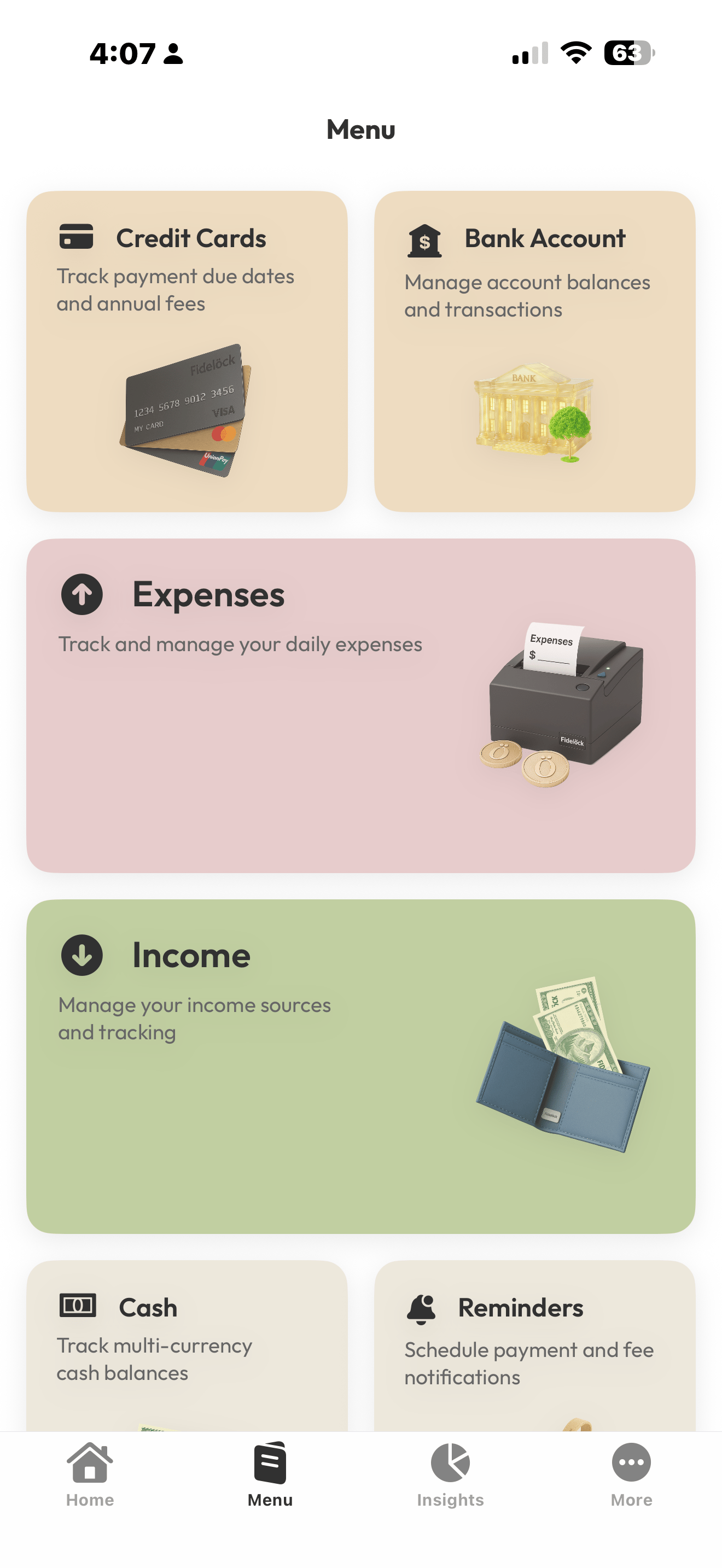
Flujos de trabajo principales
Acceda a tarjetas, cuentas, gastos, ingresos, efectivo y recordatorios.
Tras el lanzamiento, empieza en tres pasos.
Cuando se publique, descarga Figena, inicia sesión y empieza tu primer flujo de trabajo en iPhone.
1
Descargar
Tras el lanzamiento, instala Figena desde la App Store.
2
Iniciar sesión
Utilice su cuenta existente o cree una nueva.
3
Inicie su primer flujo de trabajo
Capture una actualización, revise registros y siga avanzando.
FAQ
¿Cuándo estará disponible la app para iPhone?
Figena para iPhone llegará próximamente y todavía no se puede descargar. Los enlaces de descarga, los dispositivos compatibles y los requisitos del sistema se anunciarán con el lanzamiento.
¿Qué ediciones ofrece Figena?
Figena ofrece Professional y Enterprise para equipos y organizaciones que gestionan finanzas y operaciones. Elige la edición que mejor se adapte al tamaño de tu negocio y a tus necesidades de colaboración y gestión.
¿Necesitaré una cuenta de Figena?
Sí. Cuando se lance la app para iPhone, podrás iniciar sesión con tu cuenta de Figena y acceder a los datos de tu negocio según los permisos de tu espacio de trabajo.
¿Dónde puedo obtener más información o ayuda?
Visita la página de precios para comparar Professional y Enterprise. Para consultar guías, resolver dudas sobre tu cuenta u obtener asistencia, visita el centro de ayuda o contacta con nuestro equipo.